



Welkom op de BICS-website
Deze website is bedoeld voor gebruikers van BICS en anderen die betrokken zijn bij Elektronisch melden in de binnenvaart. Schippers, (binnenvaart)bedrijven, vaarwegbeheerders, ontwikkelaars van RIS-technologie en andere geïnteresseerden treffen op deze site alle informatie aan over het Binnenvaart Informatie en Communicatie Systeem (BICS).
Gebruik het menu in de rechterbovenhoek van het scherm om door de website te navigeren, of ga snel naar:
BICS-account aanvragen | BICS downloaden | BICS-helpdesk
Nieuws
Nieuwe versie van BICS
 Rijkswaterstaat introduceert BICS Versie 6 per 4 maart 2024 - Een Frisse Stap in de Toekomst van Binnenvaart Informatie en Communicatie
Vorig jaar haalde het Binnenvaart Informatie en Communicatie Systeem (BICS) zijn 25-jarig jubileum, en ter ere hiervan heeft Rijkswaterstaat in samenwerking met Bureau Telematica Binnenvaart de gebruikersinterface van BICS een nieuwe gebruiksvriendelijkere uitstraling gegeven. Gedurende de afgelopen anderhalf jaar heeft Rijkswaterstaat actief schippers betrokken bij het testen van de nieuwe versie resulterend in een waardevolle samenwerking met enthousiaste schippers die feedback hebben geleverd tijdens de ontwikkeling van deze verbeterde versie.
Meer informatie over deze nieuwe versie van BICS vind u hier.
BICS-website ondergaat verjongingskuur
 We zijn verheugd om aan te kondigen dat de BICS-website een opmerkelijke transformatie heeft ondergaan met een eigentijds nieuw uiterlijk en een verbeterde indeling. Deze herontwikkeling is niet alleen visueel aantrekkelijk, maar ook ontworpen om de gebruikersnavigatie te verbeteren en de algehele online ervaring te optimaliseren.
Naast de visuele veranderingen heeft de website ook enkele functionele updates ondergaan die de algehele gebruikservaring optimaliseren. Gebruikers worden aangemoedigd om de vernieuwde website te verkennen en feedback te delen met de BICS-helpdesk om de voortdurende verbeteringen te ondersteunen.
Eenmalig elektronisch melden van reis Vlaanderen - Nederland vanaf 15 februari 2023 mogelijk
 Indien u vanuit Nederland naar Vlaanderen vaart, of vice versa, hoeft u vanaf 15 februari 2023 deze reis slechts eenmalig aan te melden. Het is niet langer nodig om bij de grens opnieuw elektronisch te heraanmelden. Deze vereenvoudiging van administratieve procedures is het resultaat van een nauwe samenwerking tussen de Vlaamse Waterwegbeheerders en Rijkswaterstaat.
Vanaf 15 februari 2023 worden de reis- en ladingsgegevens die voorafgaand aan de reis worden gemeld via meldsoftware, zoals bijvoorbeeld BICS, direct gedeeld met de betrokken partners. "Dit zorgt voor een efficiënte gegevensuitwisseling en elimineert dubbel werk voor de schipper. We hebben signalen ontvangen uit de sector dat het elektronisch melden bij de grens tussen Vlaanderen en Nederland tot frustratie kan leiden, vooral omdat de internetverbinding op die locaties soms hapert. We zijn dan ook trots dat we deze aanpassing hebben kunnen realiseren." aldus Karin Valkenier, projectleider bij Rijkswaterstaat.
Efficiëntere afhandeling
Sinds deze aanpassing worden de gegevens in Vlaanderen ook rechtstreeks gedeeld met de waterwegbeheerders langs de route van het schip via het eRIBa-platform. Jan Gilissen, RIS-applicatiebeheerder van De Vlaamse Waterweg nv, benadrukt dat dit echter afhankelijk is van de voorwaarde dat de schipper minstens twee routepunten doorgeeft via de meldsoftware. Deze werkwijze zorgt voor een efficiëntere afhandeling van de vooraanmelding bij de kunstwerken en draagt bij aan een soepele en correcte facturatie.
Vlotte vaart
"Vanaf 15 februari 2023 starten we met deze uitwisseling. Als schipper hoeft u niets extra te doen, behalve eenmalig elektronisch melden bij vertrek van uw reis. Tijdens de opstartperiode zijn we bijzonder nieuwsgierig naar de ervaringen van alle betrokken partners. We hopen dat dit initiatief een nog vlottere vaart voor iedereen betekent." aldus Valkenier.
Wat betekent dat voor BICS?
Heeft u in BICS het automatisch heraanmelden van reizen tussen Antwerpen en Nederland ingesteld? Verwijder dan z.s.m. deze automatische heraanmelding. Hoe u een automatische heraanmelding kunt verwijderen wordt hier uitgelegd.
Bijzondere transporten melden met BICS
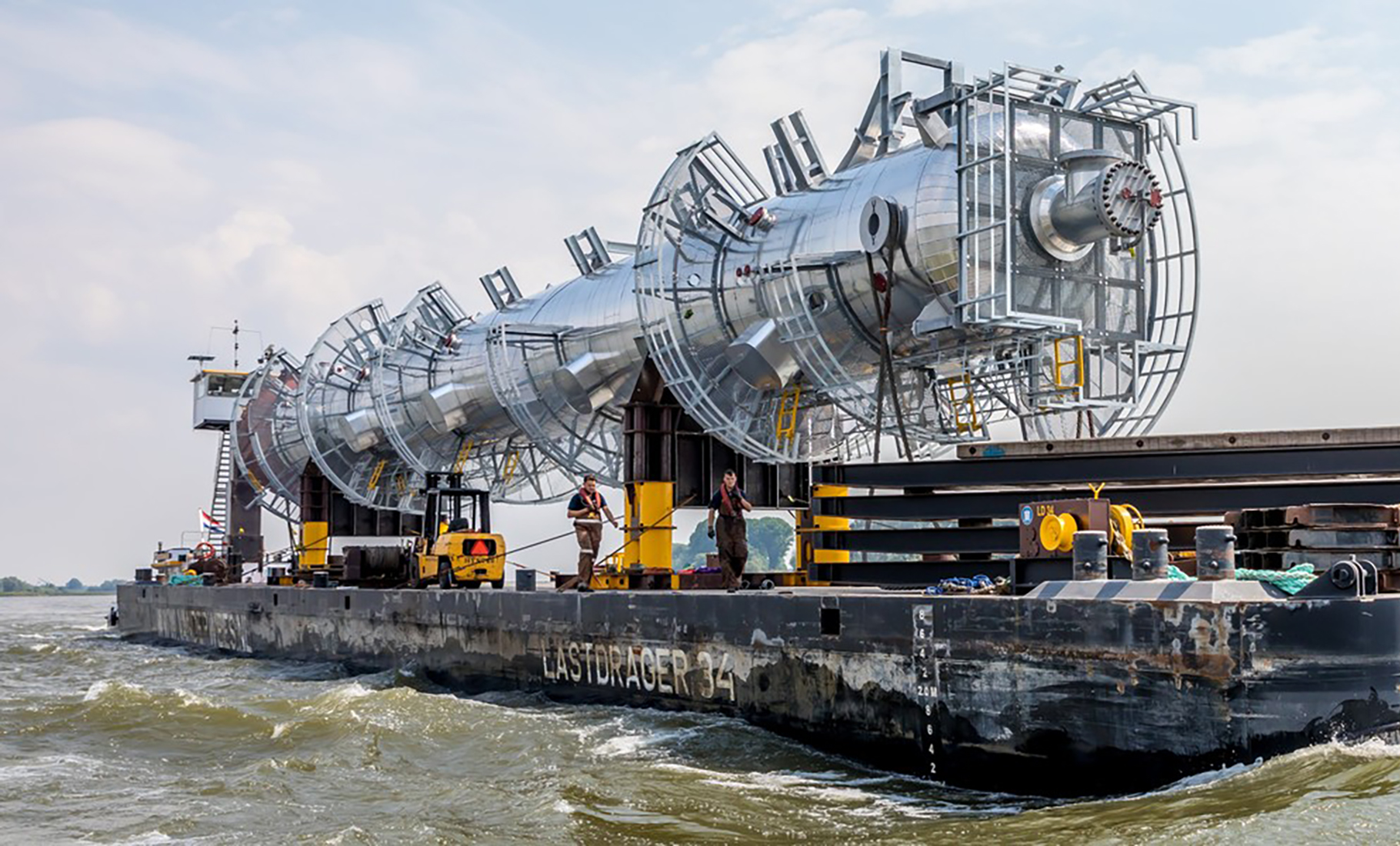 Indien uw scheepsreis een bijzonder transport betreft, dient deze conform artikel 1.21 van het Rijnvaartpolitiereglement elektronisch gemeld te worden. Voor het voldoen aan deze elektronische meldplicht kan de BICS-software worden gebruikt. Bij het elektronisch melden van bijzondere transporten kunnen zich afwijkende situaties voordoen vanwege de samenstelling van de varende eenheid. In deze instructiekaart worden deze situaties beschreven en worden instructies gegeven voor het melden van dergelijke reizen met behulp van BICS.
Automatisch ETA melden bij sluis Terneuzen
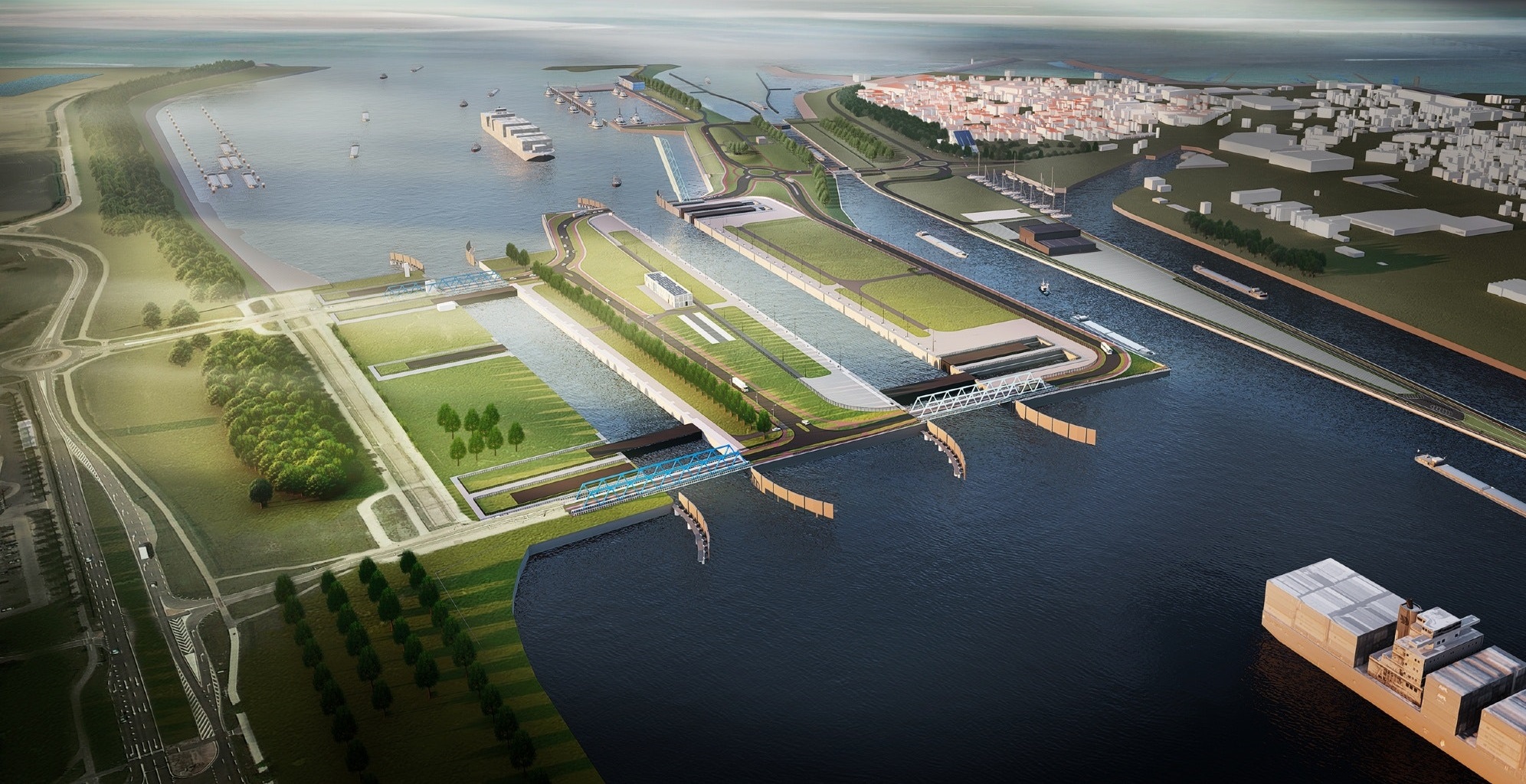 Als u wilt dat uw ETA automatisch wordt gemeld wanneer u de sluis van Terneuzen als tussenpunt van uw reis opgeeft, kunt u deze handleiding raadplegen. Deze handleiding legt gedetailleerd uit hoe u uw BICS kunt configureren om in dat geval automatisch een ETA-melding te doen bij de sluis van Terneuzen.
Uitbreiding doelgroep elektronische meldplicht per 1 december 2021
 Met ingang van 1 december 2021 geldt er een elektronische meldplicht voor de gegevens die voorheen op basis van artikel 12.01 van het RPR (Rijnvaartpolitiereglement) via de marifoon, schriftelijk of elektronisch konden worden gemeld. Deze verplichting, die tot de genoemde datum alleen van toepassing was op samenstellen en schepen die containers vervoeren, evenals schepen met vaste tanks aan boord, wordt nu uitgebreid naar de volgende scheepstypes:
- Schepen die vallen onder artikel 12.01, eerste lid, onderdeel a van het RPR en goederen vervoeren waarop het ADN (Europees Verdrag inzake het internationale vervoer van gevaarlijke goederen over de binnenwateren) van toepassing is.
- Schepen die vallen onder artikel 12.01, eerste lid, onderdeel d van het RPR en een lengte hebben van meer dan 110 meter.
- Hotelschepen die vallen onder artikel 12.01, eerste lid, onderdeel e van het RPR.
- Zeeschepen die vallen onder artikel 12.01, eerste lid, onderdeel f van het RPR.
- Schepen die vallen onder artikel 12.01, eerste lid, onderdeel g van het RPR en een LNG-systeem aan boord hebben.
- Bijzondere transporten zoals beschreven in artikel 1.21 van het RPR, zoals vermeld in artikel 12.01, eerste lid, onderdeel h van het RPR.
Om te voldoen aan deze elektronische meldplicht kunt u gebruikmaken van de BICS-software.